Getting Started:
1.Navigate to https://axiom.hmsfirst.com/
2. Once the page is loaded, select the "form select" menu
3. Type Pend Progress Note Search and hit enter.
Searching for a Pending Progress Note:
1. Patient: Add the patient name and or Patient ID
2. Employee: Add the employee name **
3. Provider: Select the provider that has a pended note **
4. Payor: Select the insurance/payor of the patient. **
5. Progress Note Type: Select the type of note you are searching for **
6. Start Date: Select the start date of the pended note
7. End Date: Select the end date of the pended note
8. Click the Search Button to start your search. (Not Required to complete search**)
Results:
1. Select the note you want to view.
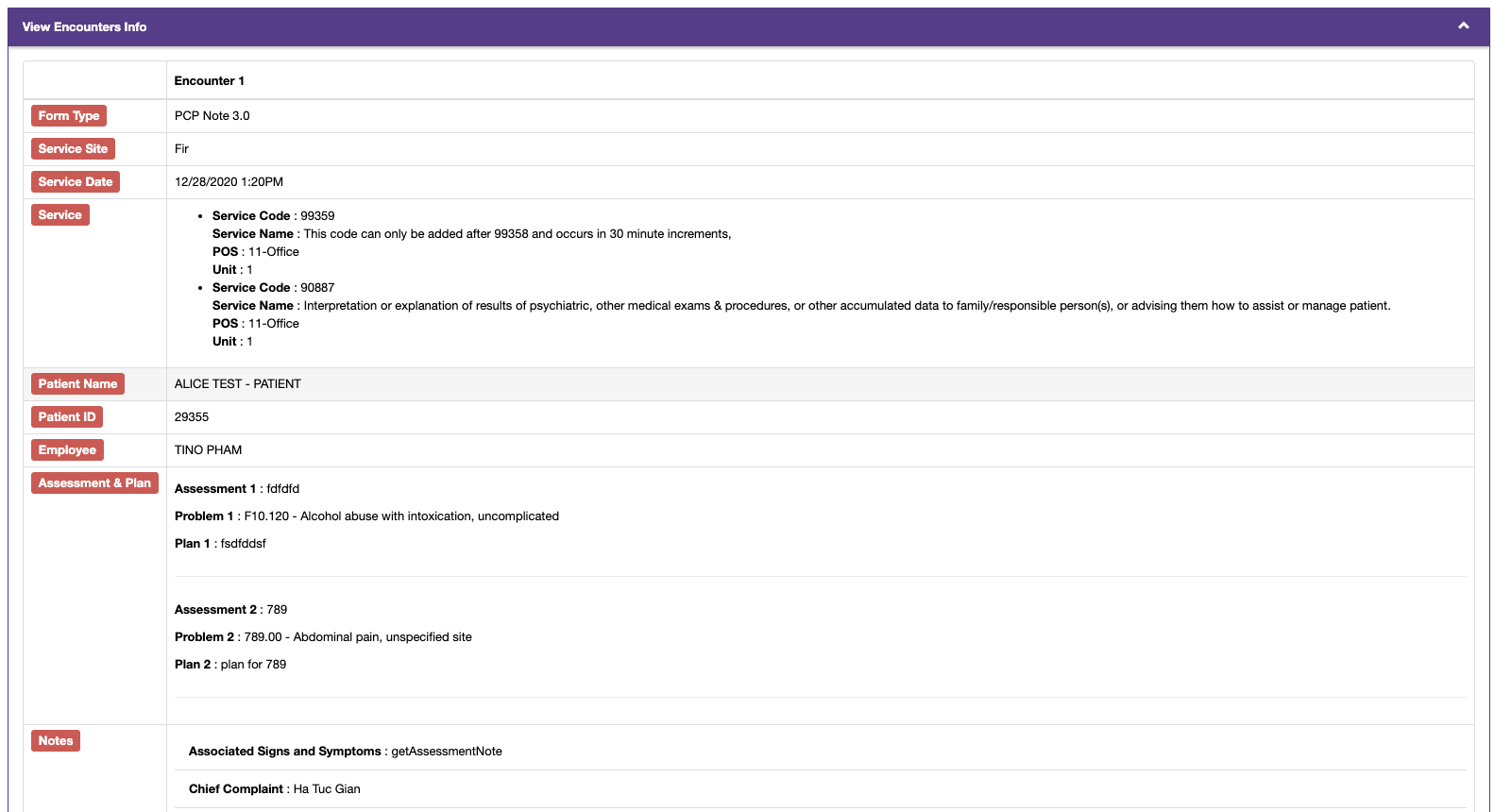
2. Select the view tab and this will open up a view that displays all data.
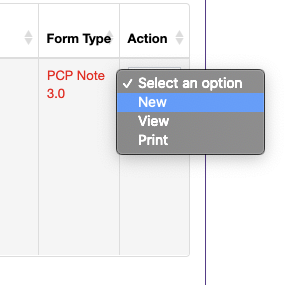
3. Select the Action drop-down and chose what you need.
Options:
1.Save Complete
2.Return for Edit
3.Edit Services